
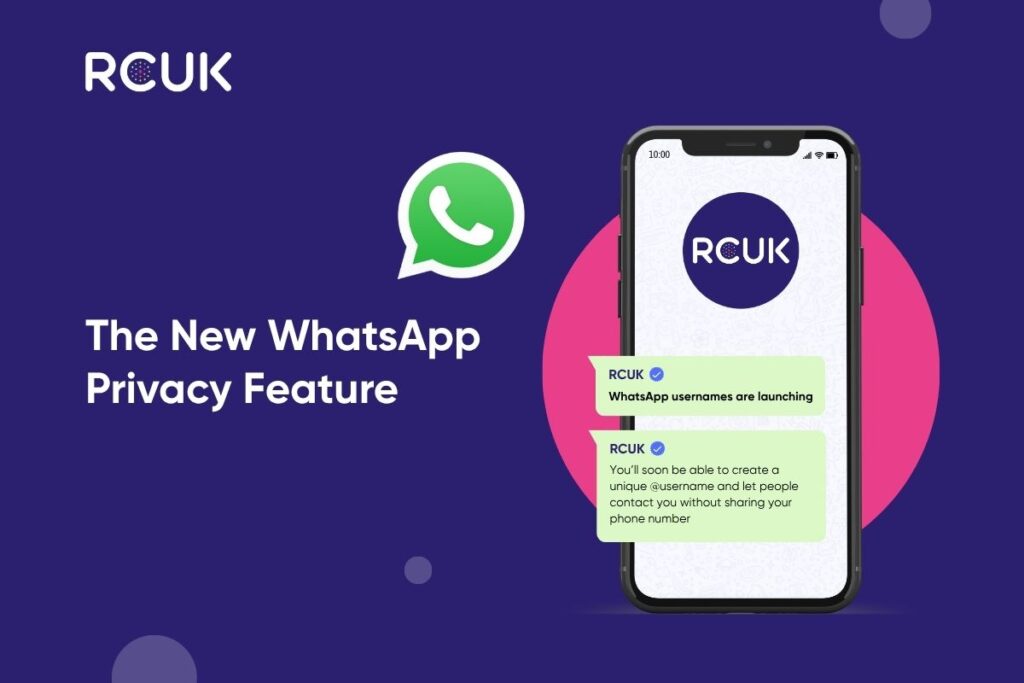
WhatsApp is introducing one of its biggest privacy updates in years: usernames.
For many people, WhatsApp has always been connected directly to a phone number. If someone wanted to contact you, they usually needed your mobile number first. That is now starting to change.
With the new username feature, WhatsApp users will be able to create a unique username, such as @yourname, which can be used as another way for people to contact them. This means you may no longer need to share your phone number every time you want to start a WhatsApp conversation with someone new.
A WhatsApp username is an optional unique name linked to your WhatsApp account.
Once the feature is available to you, you will be able to choose a username through your WhatsApp settings. People who know your exact username may then be able to contact you without needing your phone number.
Importantly, WhatsApp has said there will not be a public directory of usernames. This means people cannot simply search through a list to find you. They would need to know your exact username first.
The biggest benefit is privacy.
Your phone number is personal. It is connected to your mobile account, your contacts, your security settings, your banking, your apps, and often many parts of your day-to-day life.
Being able to share a username instead of your number gives you more control. This could be especially useful when speaking to someone for the first time, joining a new group, communicating with a business, or connecting with people you do not know well.
WhatsApp is also introducing an optional username key.
This adds another layer of protection. If you switch it on, someone may need both your username and your username key before they can start a conversation with you.
This gives users more control over who can reach them through their username.
To see if the feature is available on your account:
If you can see the username option, you should be able to reserve your chosen username. If you cannot see it yet, the feature has not reached your account. WhatsApp is rolling it out gradually, so availability will vary from user to user.
This update is also important for businesses, creators and organisations.
Where possible, WhatsApp is allowing businesses and creators to claim usernames that match the names they already use on Instagram or Facebook. This can help keep branding consistent and make it easier for customers to recognise the right account.
For businesses using WhatsApp for support, sales or customer enquiries, this update may also change how new conversations are started. Customers may become more comfortable contacting a business if they do not have to reveal their phone number straight away.
It is also a good reminder for businesses to review their WhatsApp setup, check who manages the account, and make sure their username, profile name and branding are clear and consistent.
WhatsApp usernames are a simple change, but they could make a big difference to how people connect.
They give users more privacy, more control, and another way to communicate without sharing their mobile number immediately.
If you use WhatsApp regularly, keep your app updated and check your settings over the coming weeks. If the username option is available, it may be worth reserving the name you want before someone else does.

Travelling for business, going on holiday, or spending time overseas often comes with a challenge. How do you stay connected to the services you need
WhatsApp is introducing one of its biggest privacy updates in years: usernames. For many people, WhatsApp has always been connected directly to a phone number.
Travelling abroad should be exciting, not stressful. Whether you’re heading away for business, visiting family overseas, or enjoying a well-earned holiday, staying connected has never
We all rely on our phones for everything, from work and navigation to photos, payments, and entertainment. But as the years go by, even the