We all rely on our phones for everything, from work and navigation to photos, payments, and entertainment. But as the years go by, even the best devices can start to feel slower, hold less charge, and show their age. The good news? A few smart WhatsApp 6 Digit Code Scam. What You Need To Know
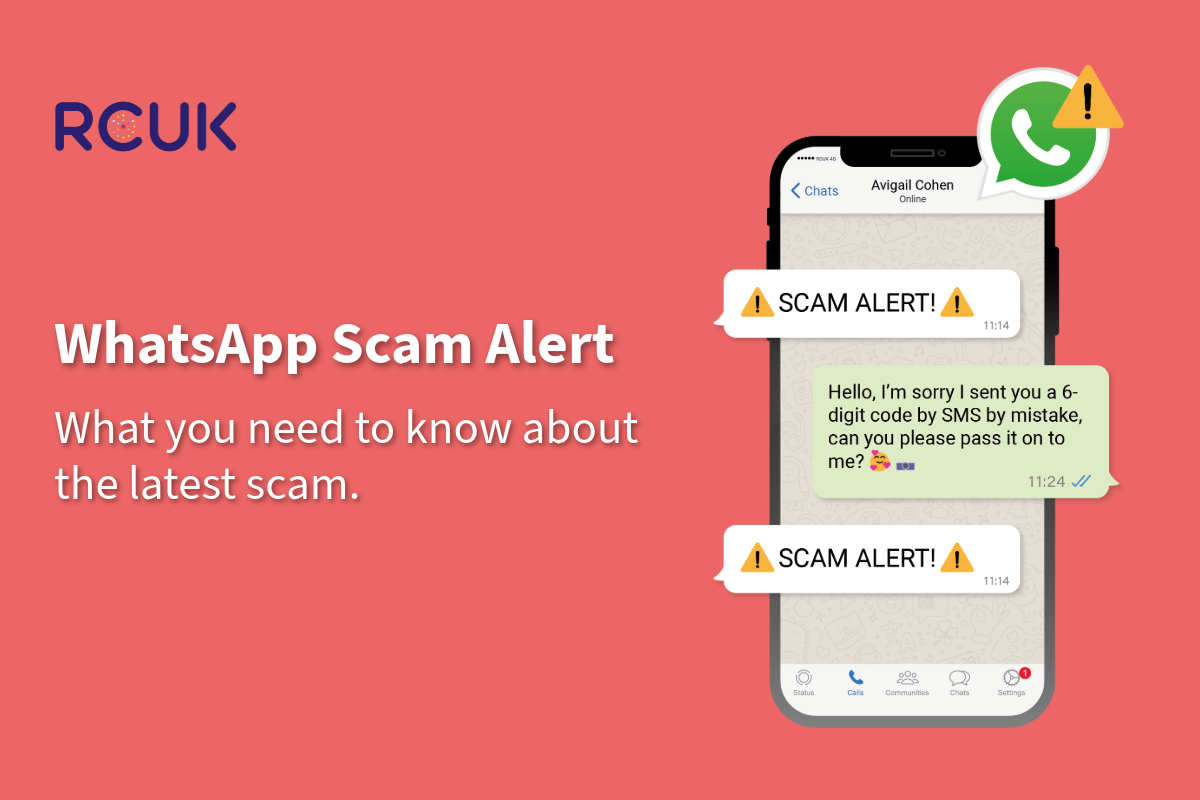
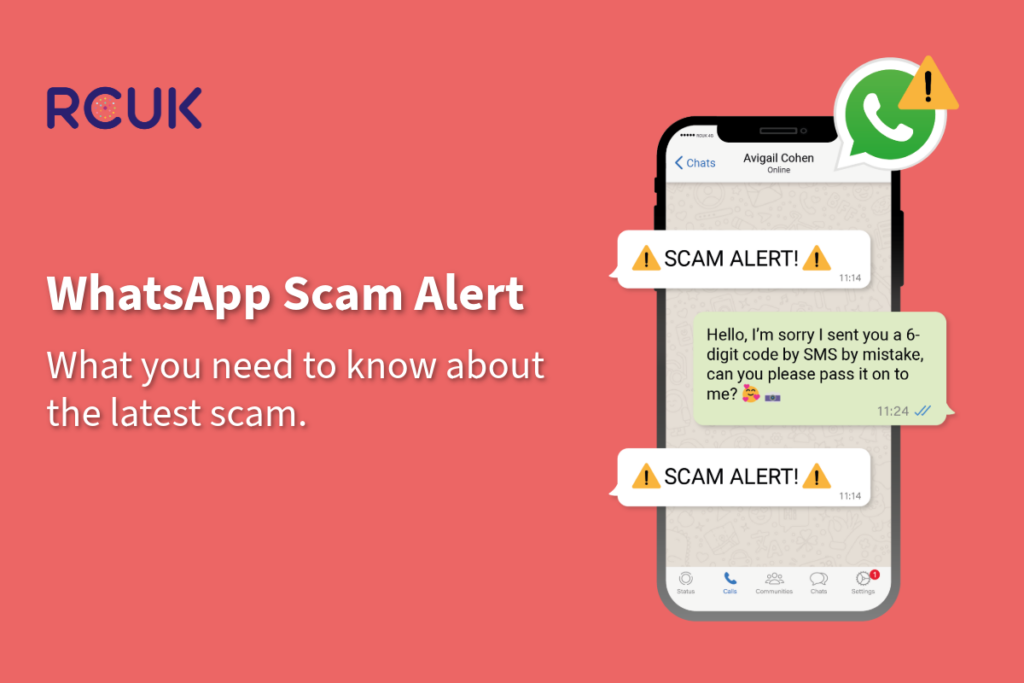
In recent weeks, many members of the community have reported receiving a WhatsApp message from a friend or family member asking for a six digit code that has just been sent to them by SMS.
This is a scam.
What is happening is simple. A fraudster is trying to register your WhatsApp account on their own device. WhatsApp then sends a legitimate six digit verification code to your phone by text message. The scammer, pretending to be someone you know, asks you to send them that code. If you share it, they gain access to your WhatsApp account.
Once inside your account, they can:
- Impersonate you and message your contacts
- Ask others for money
- Attempt to access other accounts linked to your number
- Lock you out of your own WhatsApp
How to protect yourself
- Never share a six digit WhatsApp code with anyone. Not even someone you trust.
- Always verify off WhatsApp. If you receive a strange request, call the person directly on their normal phone number to confirm.
- Be especially cautious if the message creates urgency, such as “I need it quickly” or “I’m locked out”.
No legitimate person will ever need your WhatsApp verification code.
Turn On Two Step Verification Today
The most effective protection against this scam is enabling WhatsApp two step verification.
This adds an extra PIN that only you know. Even if someone gets your six digit SMS code, they still cannot access your account without your PIN.
How to turn it on:
- Open WhatsApp
- Go to Settings
- Tap Account
- Select Two step verification
- Tap Turn On
- Create a six digit PIN
- Add an email address for recovery
Once enabled, WhatsApp will occasionally ask you to enter your PIN, which keeps your account secure.
We strongly recommend all RCUK customers activate this today.
Watch the video below for a handy guide to turning on two-step verification
If You Already Shared The Code
Act quickly.
- Immediately open WhatsApp and try to log back in.
Enter your phone number and request a new verification code.
This will log the scammer out of your account. - If two step verification was enabled, enter your PIN when prompted.
- If you are locked out, contact WhatsApp support directly through the app or email support@whatsapp.com explaining your account has been compromised.
- Warn your contacts.
If you regain access, send a message explaining your account was hacked and that they should ignore any suspicious requests. - Be alert for further scams.
Scammers may now target your contacts pretending to be you.
At RCUK, we are committed to keeping our community connected and protected. If you are unsure about any suspicious message, do not take risks. Call the person directly and never share security codes.
If you need assistance setting up two step verification or securing your phone, our team is always happy to help.
If you would like help setting up two step verification or securing your phone, our team is here to assist.
Call us on 0330 320 1111 or email info@rcuk.com and we will be happy to guide you through it.